

Many households currently operate multiple devices with active internet connections. Mobile phones, computers, televisions, gaming systems, appliances and security tools generate data even when residents are not using them. Background tasks, automated file transfers, data synchronization and media playback use bandwidth plus impact speed. Identifying the sources of this activity allows residents to implement changes that improve connection efficiency.
Review Connected Equipment
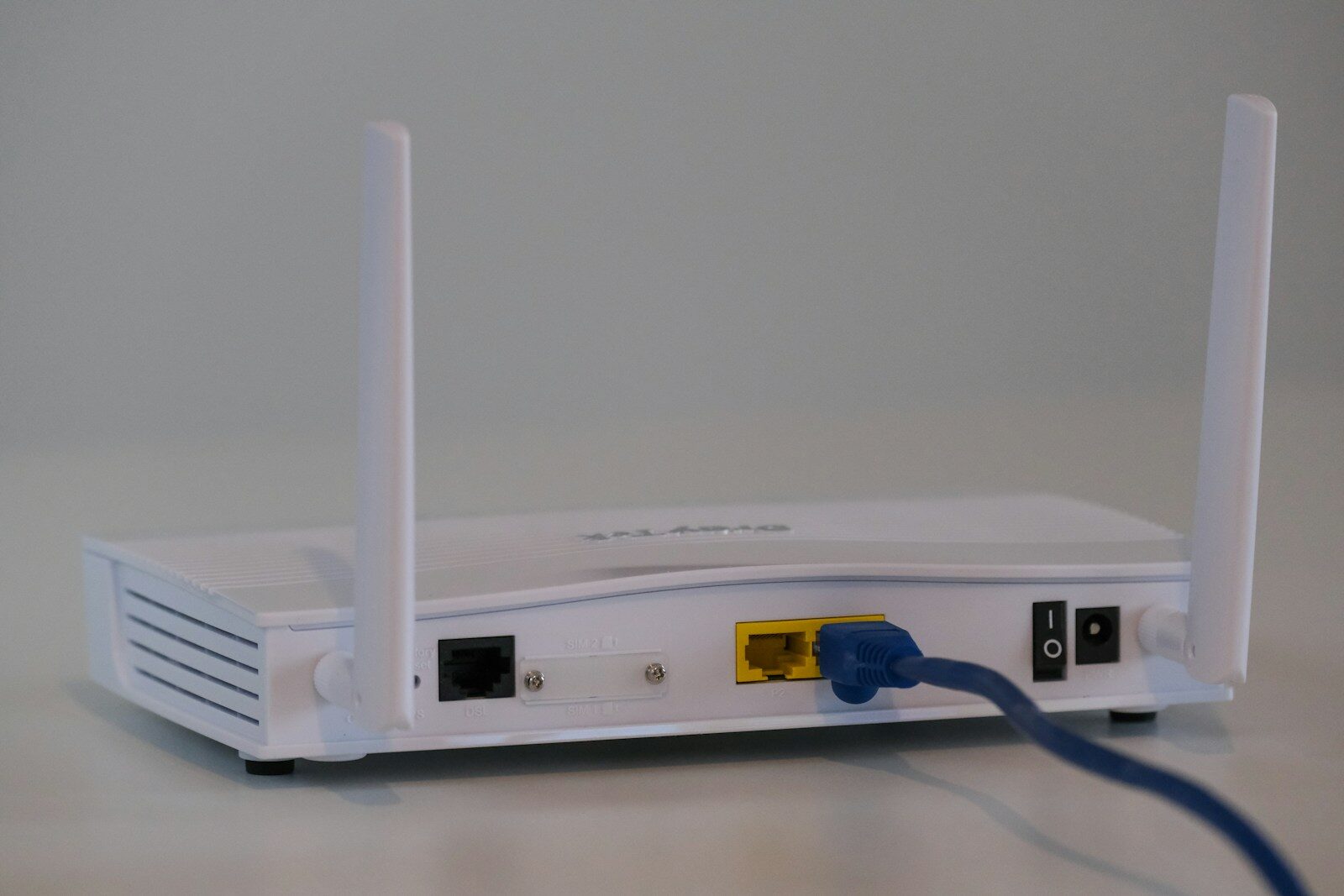
The first step is to examine every piece of hardware on the local network. Many routers display a list of active equipment, which helps residents find old or high consumption devices. Disconnecting items that do not require constant access or removing those that are no longer in use reduces network load. Residents should evaluate the connection frequency for each item. For instance, a portable tablet might not require a permanent link when stored. An older appliance might communicate with external servers despite infrequent use. Regular assessments keep the network structured and simplify data management.
Manage Background Software
Applications often perform tasks after a user stops interacting with them. Storage services, messaging tools and media programs frequently update content or synchronize files – these activities create data traffic, especially when multiple devices operate at the same time. Users can check settings on computers but also mobile hardware to see which programs require constant access. Limiting these background tasks reduces data movement without losing necessary functions. Residents should close unused programs or change their settings to prevent automatic activity.
Manage Smart Hardware
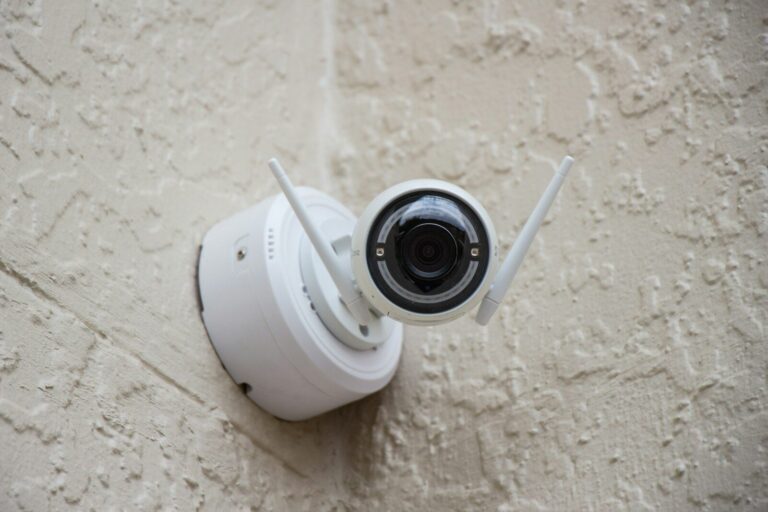
Smart home products use home internet for remote access, notifications or updates. Voice assistants and other connected items talk to external servers regularly. While individual transfers are small, many devices together increase total network use. Residents can check the settings of these products to disable unneeded features. Some items allow for local data storage or less frequent communication. Selecting these options limits data traffic while keeping the device useful.
Control Automated Downloads
Automated file transfers often use significant bandwidth without the awareness of residents. Operating systems and games frequently download large files as updates become available. Network demand increases when multiple devices perform these updates simultaneously. Adjusting update schedules to occur during late night or low use hours prevents competition with important tasks. Residents can also change download preferences to skip optional content. Maintaining security updates while stopping non essential downloads balances device safety with efficient bandwidth use.
Reduce Unnecessary Media Playback
Streaming services generate high levels of data, particularly at high resolutions. Residents can lower activity – turning off streams when no one is watching and closing programs that play in the background – these habits are helpful when multiple residents share a single connection. Video quality settings are adjustable based on the screen size as well as the situation. A small screen often does not need the highest resolution. Lowering the settings on specific devices reduces the amount of data transferred. Households with multiple televisions benefit from choosing video settings that reflect actual requirements.
Evaluate Cloud Services
Cloud software often moves files between devices and remote storage accounts. Although this is helpful for data backups, excessive synchronization creates continuous data movement. Large photos and videos require substantial bandwidth when the software copies them to multiple locations. Users should choose which specific folders require automatic updates. Residents can exclude unimportant folders or schedule large file transfers for times when the network is quiet. Deleting duplicate files from synchronized folders further prevents repeated data transfers.
Monitor Data Usage
Observing network activity shows patterns that are otherwise difficult to see. Router interfaces and device menus show which hardware uses the most data next to when peak usage occurs. Regular reviews help residents find unexpected data sources and decide if adjustments are necessary. Tracking also helps residents determine if their current service plan is appropriate. When residents compare options from internet providers London Ontario, they can consider their actual data needs and the number of devices in the home. Understanding usage helps distinguish between wasteful activity plus necessary data needs.
Conclusion
Reducing excessive internet use requires an understanding of how software and hardware operate throughout the day. Efficiency improves – checking connected equipment, managing background tasks, scheduling downloads and adjusting media settings. Regular observation provides information about how usage changes over time. By managing the factors, residents can maintain a more consistent but also reliable connection.
About the Author