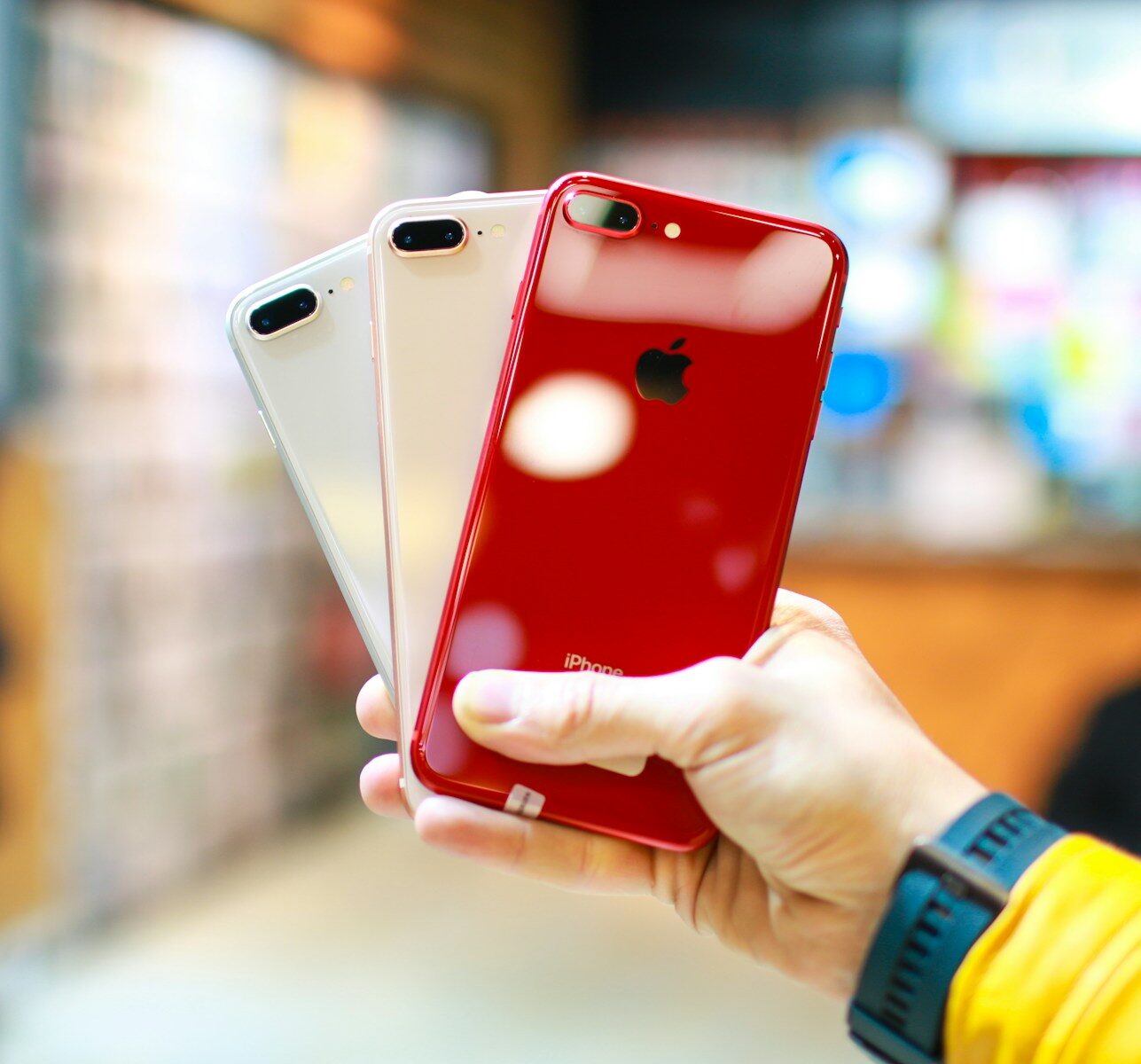
Historical data shows that nearly 14.5 million phones are discarded in Canada every year. It includes a considerable number of Apple phones as well, since Apple is the top seller in the country, followed by Samsung. Every irresponsibly disposed of phone contributes to e-waste, whether it’s your expensive iPhone or another model. While it’s true that electronic devices have a specific lifespan and need to be replaced after a few years of use, that doesn’t mean you should throw your phone in the garbage. There are better alternatives to address e-waste issues. Consider selling your old or broken iPhone to a buyback platform.
If you search for sell iPhone Canada, many platforms will appear that deal in used phones, regardless of condition. You can sell your device, and they’ll pay you a suitable amount based on its condition. Some iPhone users worry about the risk of data theft associated with this decision. Please understand that this risk exists even if you dispose of your phone carelessly without securing your data. If it falls into the wrong hands, your details could be stolen and misused. With reputable buyback sites, the risk is minimal to nonexistent.
Whether you delete your information or not, they will erase everything before reselling or recycling it. Still, protecting your personal data is your responsibility. Once you’ve sold your phone, you’ll no longer want any connection to it. In this context, paying attention to two things, Find My and iCloud, can be important.
Find My
This security feature allows users to trace or lock misplaced or stolen devices, as well as erase data. Before you sell your device, make sure to turn off this feature. If you leave it on, you might track the new owner’s location, which is an invasion of privacy. In fact, the new owner might not be able to use the used device if the lock is still activated. Some buyback sites can handle this part for you, but it’s always better to turn off this feature using your Apple ID password.
iCloud
Log out of your Apple ID, and iCloud will be removed from the device. Your Apple ID is like a vault that stores all your services and data. It holds the key to your photos, files, documents, calendars, contacts, emails, iTunes, the App Store, and more. By removing iCloud, you block unauthorized access to your personal data, preventing anyone from accessing your details on the device. However, you can access all your information from your new device, as long as it’s connected to the same Apple ID. Make sure you don’t skip this step.
These two steps are essential for anyone looking to sell phone Canada. Turning off Find My ensures the new owner can use the device without issues, and removing iCloud ensures your data is safe from unauthorized access. As mentioned, reputable buyback platforms will take care of these steps. Still, it’s better to take control of these things yourself. After selling your iPhone, you can focus on your new purchase, knowing that your data is secure.
About the Author